I designed a clear path from source material to useful writing. The Textava experience connects input, generation, review and export while keeping the creator’s own words available for checking.
The challenge was trust, not another writing tool.
Most AI writing products begin with an empty prompt and return a wall of generic copy. Textava begins with something the creator has already said: a video, call, note or transcript. I shaped the product and marketing experience around that distinction so the system felt like an editor for your thinking, not a replacement for it.
Carry the promise into everyday use.
“Text that gives life” became the organising thought. The landing page demonstrates that promise before asking for commitment. The application then carries the same logic into a calm sequence from source to shaped output.
Marketing experience: a responsive site that demonstrates the product in context.
Product experience: an interaction flow for input, generation, review, source checking and export.
The output needed a reason to be believed.
I kept the source transcript connected to every generated piece. Users can see which passage shaped a LinkedIn post, thread, article or email, then copy, refine or export only what is useful. That traceability turns the experience from a magic box into an understandable working tool.
01 / Marketing experience
Prove the promise before sign-up.
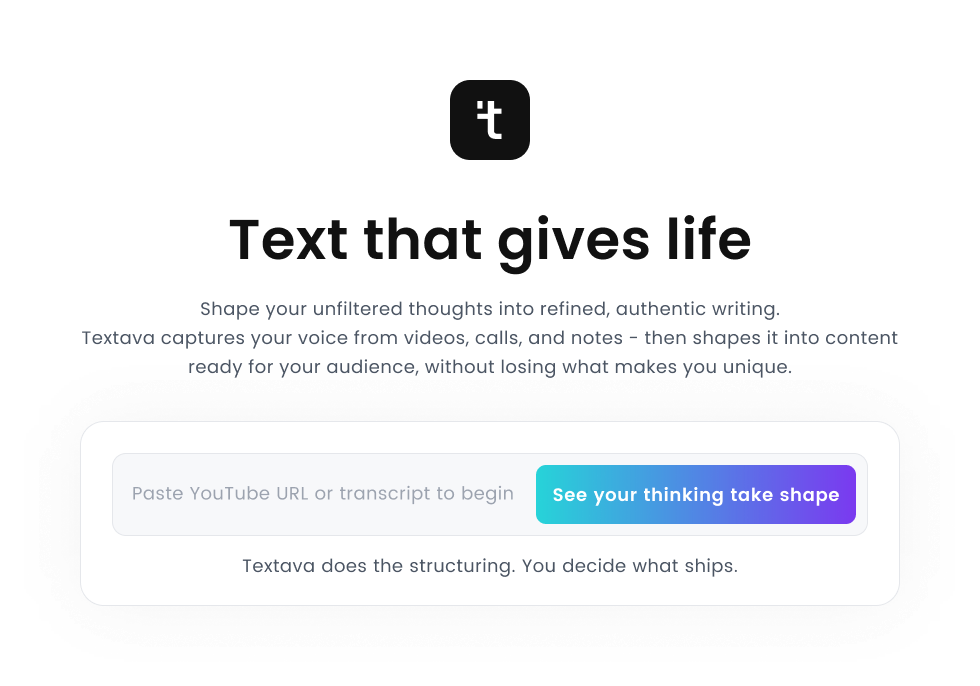
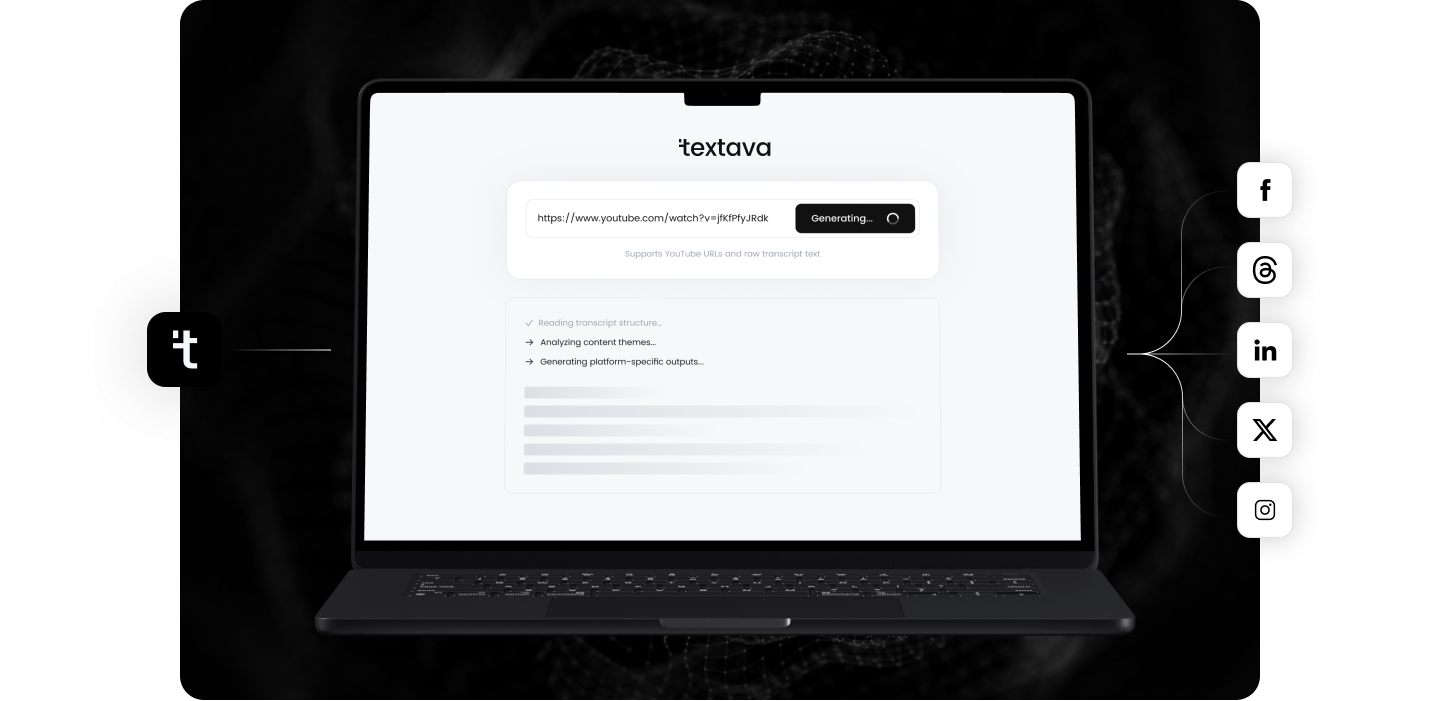
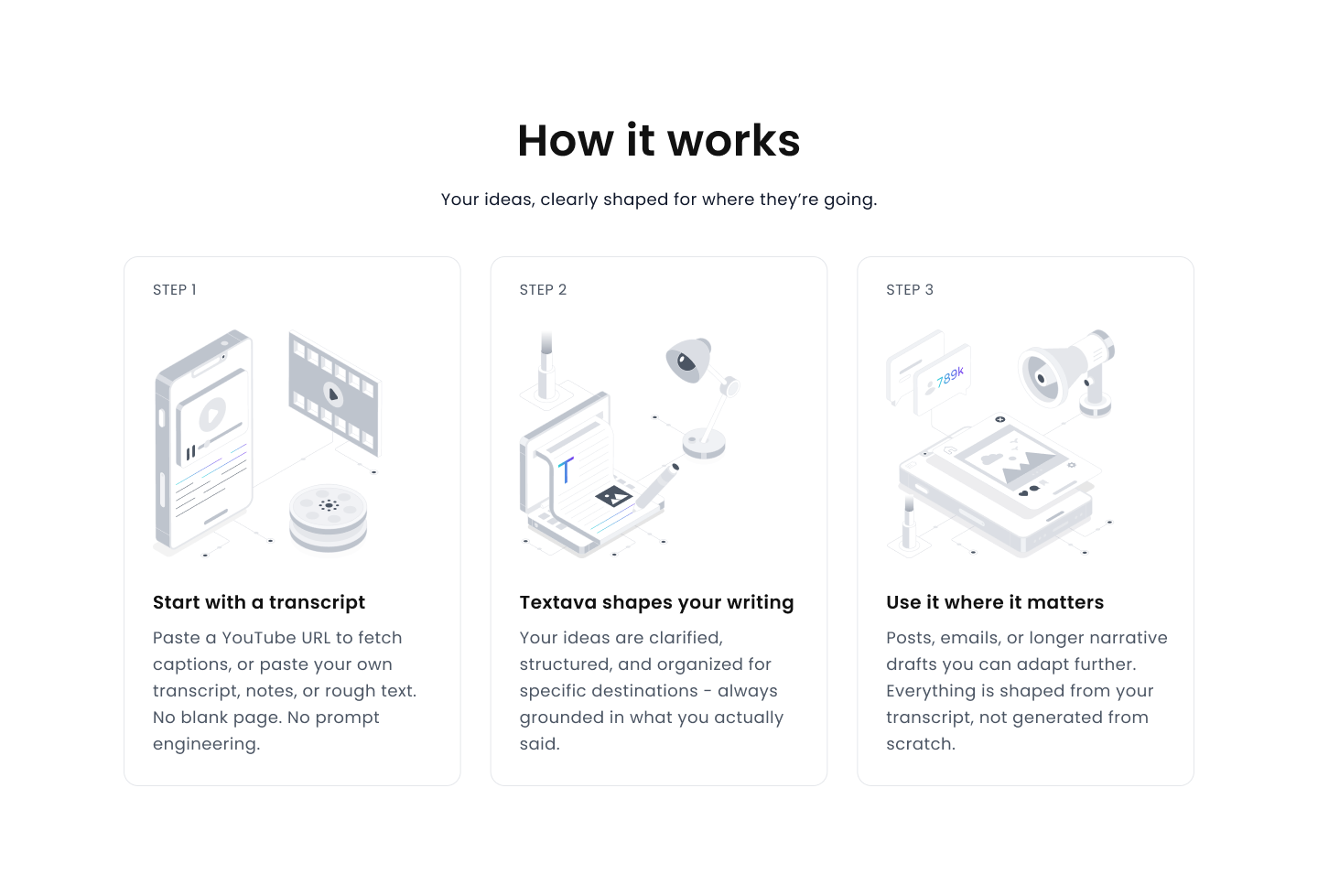
I designed the responsive marketing site as an acquisition flow, not a gallery of claims. The hero begins with the real product input. A product demonstration follows immediately, then a three-step explanation makes the journey from transcript to usable writing easy to understand.
The opening screen introduces the product through a real transcript input.
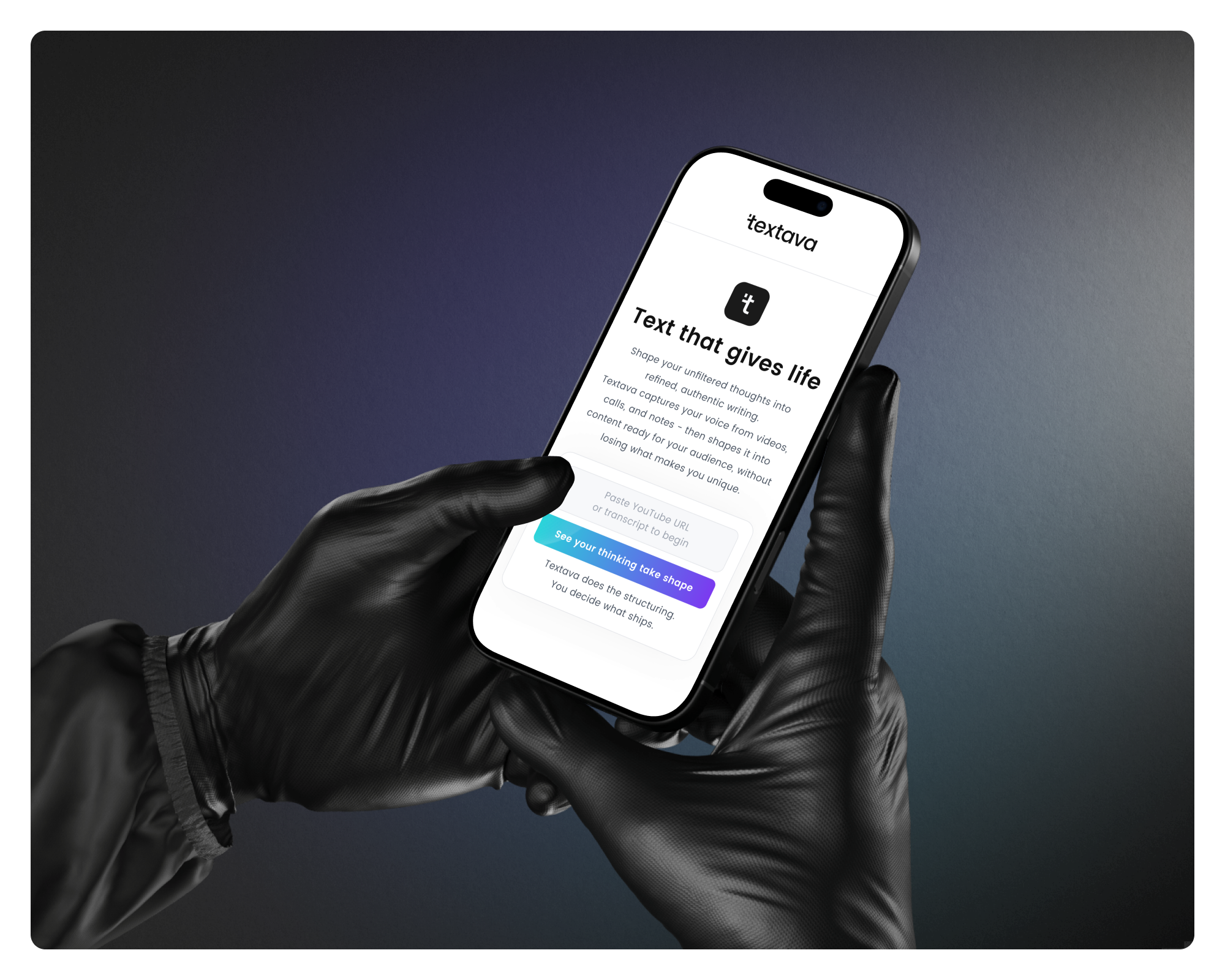
The mobile landing page keeps Textava’s explanation and transcript input in one reading flow. The product is introduced through the same action a visitor will use, before the page asks them to explore further.
Mobile landing page: the product promise and transcript input remain together on a smaller screen.
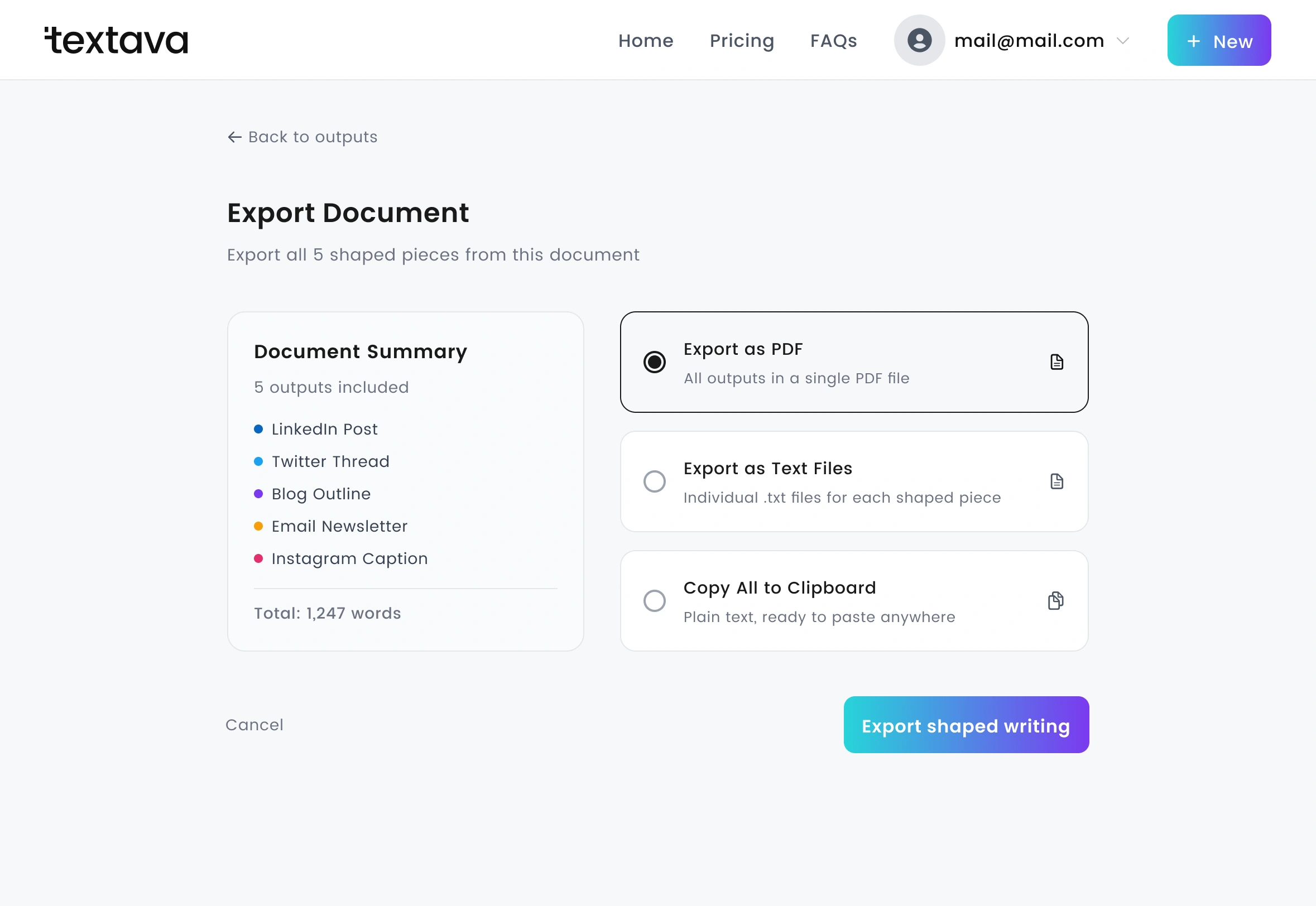
The core product workflow has five clear states: add a source, generate channel-specific formats, review the writing, trace it back to the transcript and export it in a useful form. Each state answers one question, so the interface stays calm even when the document becomes complex.
01 / Start with a video or transcript
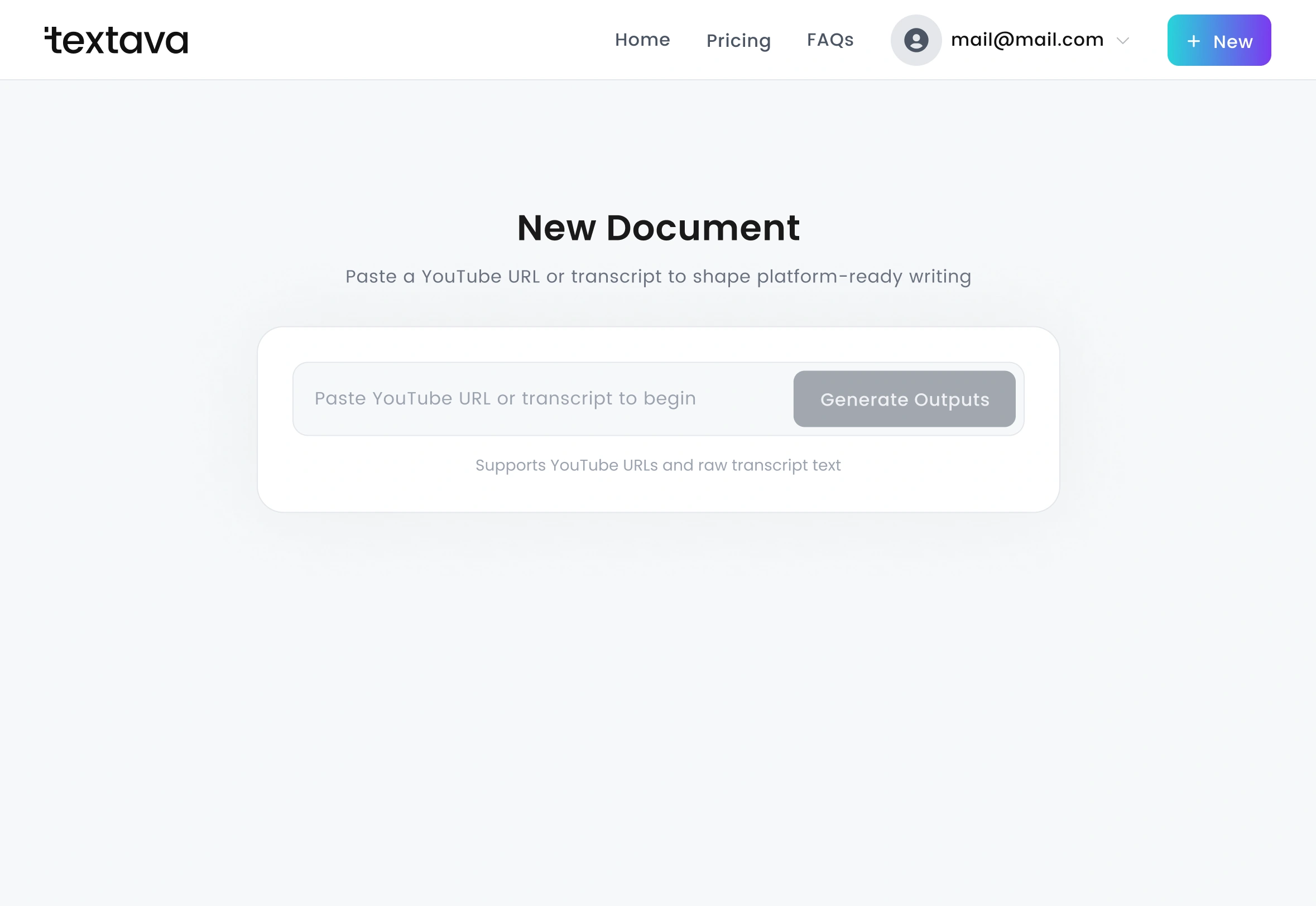
One clear place to begin.
I gave the creator a single entry point for a YouTube link or transcript. The first screen keeps attention on the source material before asking them to review the writing.
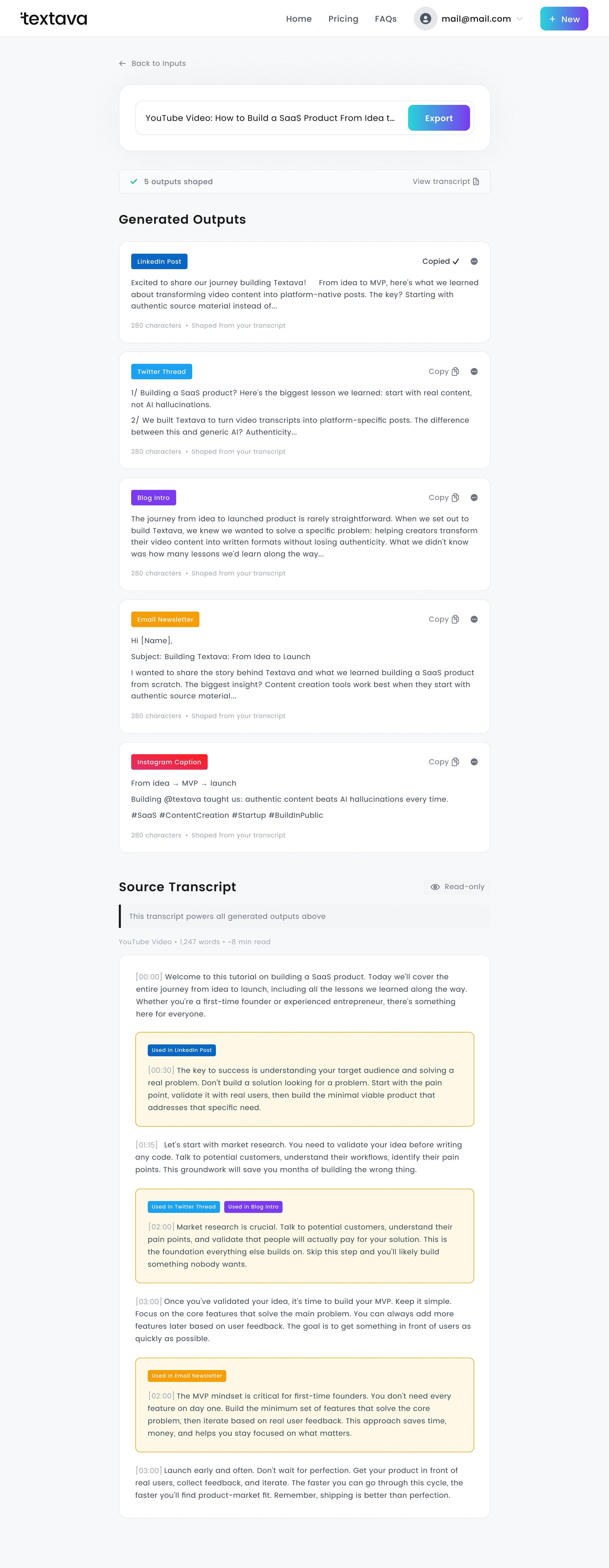
Channel labels separate the generated posts, thread, article and email. Each piece has its own copy action, so the creator can choose what to use without exporting everything.
Your words stay in view.
Below the outputs, the transcript highlights which passages informed each piece. I kept that connection visible so the creator can check meaning and context before sharing the result.
A clear path from first visit to finished writing.
I designed the responsive marketing experience and application UX/UI as one connected system. The result makes Textava recognisable before sign-up, understandable during use and consistent when the writing leaves the product.