People cannot find their way
Features have accumulated, but the navigation no longer follows how people work.
I map the key tasks and organise the structure around the decisions users actually need to make.
Product & UX design
When people get lost, hesitate or need help to finish a task, the interface needs attention. I map the journey, simplify the decisions and design screens that help people understand what to do next.
 Featured case study
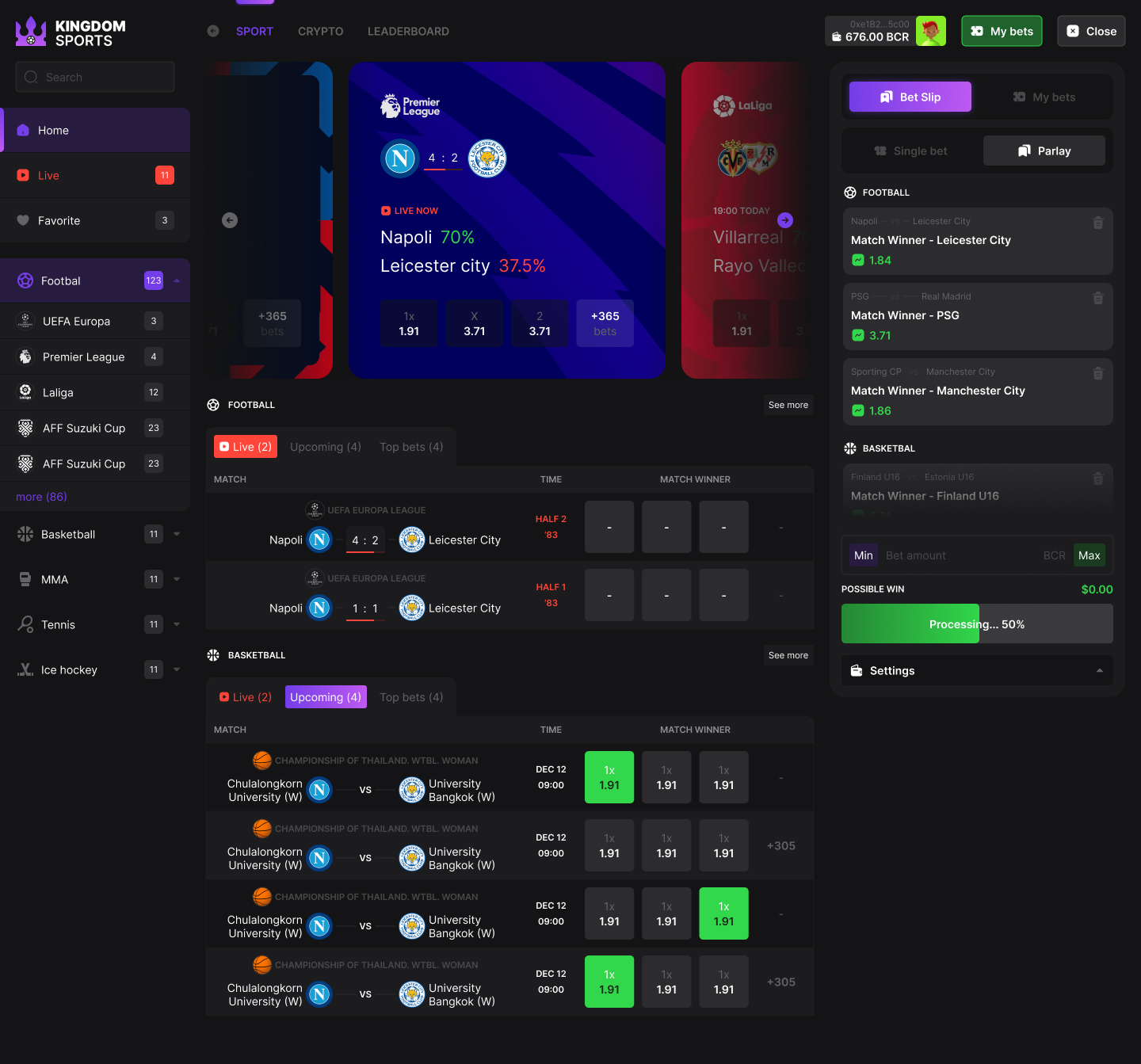
Figma product UI with persistent navigation, scannable market rows and a separate action panel.
Explore case studyMore relevant work
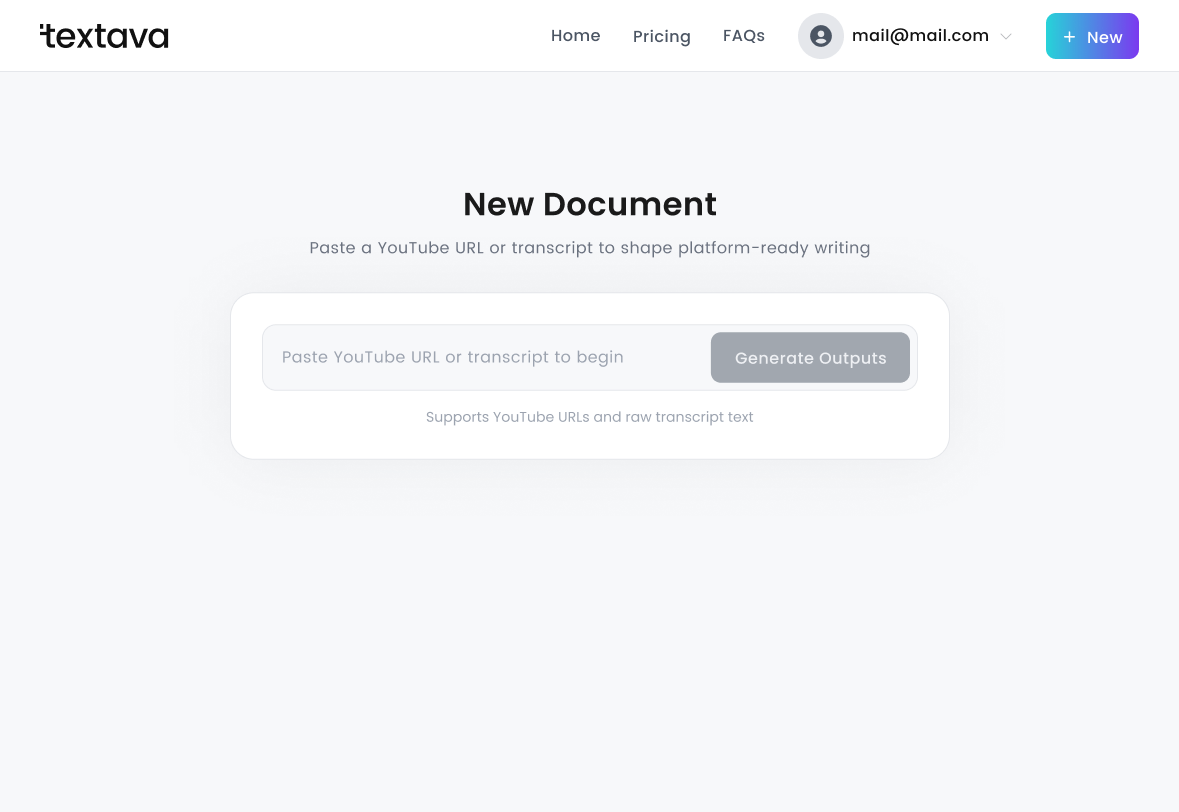
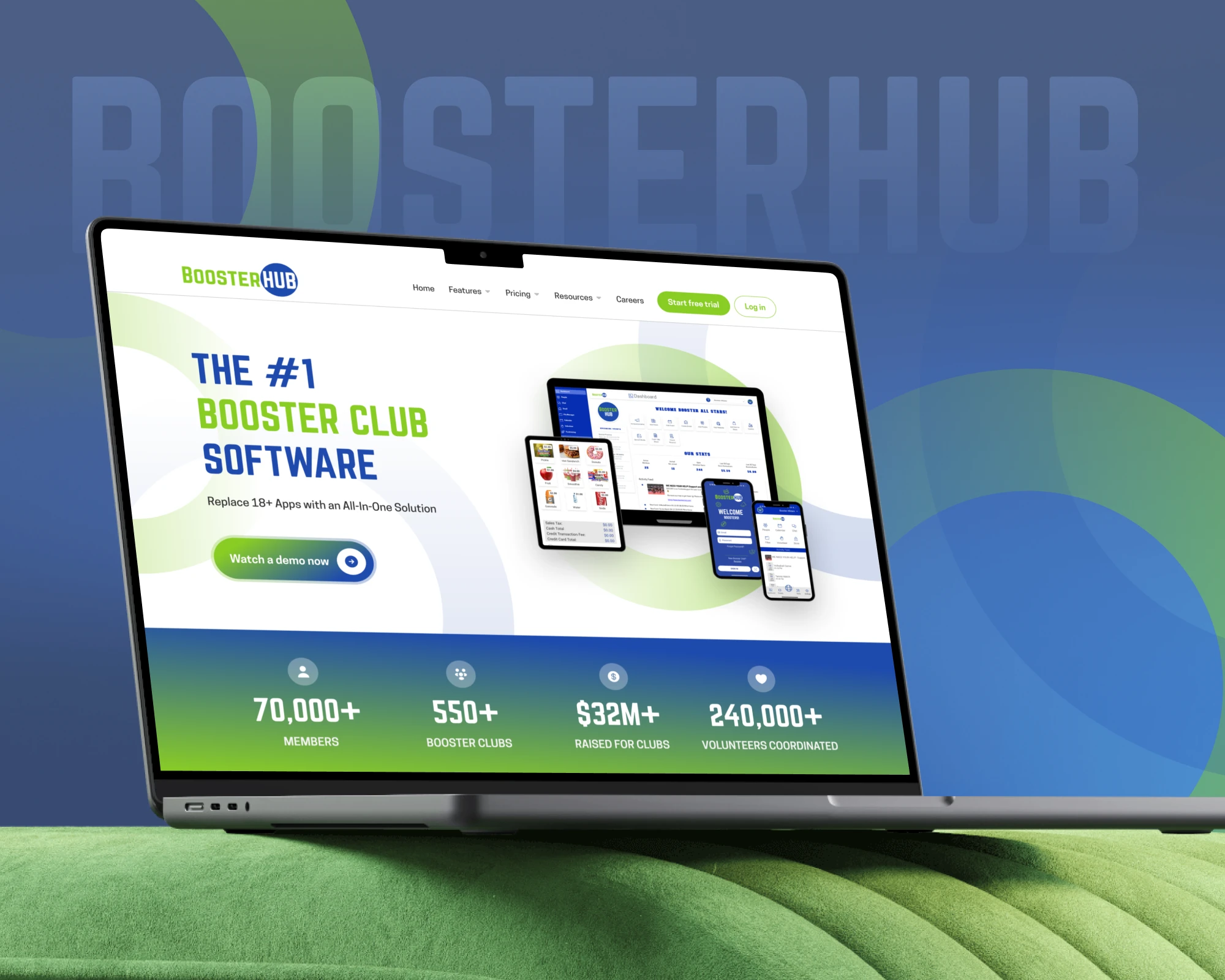
Kingdom Sports explores a dense cross-sport interface. Textava follows a writing task from source material to review and export. Both stories show product design and prototypes.
The decisions that matter
The design starts with what feels difficult today. Here is how I approach the work.
Features have accumulated, but the navigation no longer follows how people work.
I map the key tasks and organise the structure around the decisions users actually need to make.
Too many controls compete for attention at the same moment.
I establish a clearer hierarchy, group related actions and make progress and system states easier to read.
Similar screens use different patterns and developers keep filling in the gaps.
I define reusable components, interaction states and a handoff that explains how the experience should behave.
Your project scope
The brief defines the users, flows, platforms and available research. Product engineering, recruitment for user research and usability studies are scoped separately when needed.
Working together
I review your brief personally. Your proposal sets the deliverables, timeline, investment and inputs before you commit.
We identify the journeys that matter and review the current screens and available user feedback.
Review the structure and wireframes, then move into visual design and an interactive prototype.
Approve the experience and receive the component system, interaction notes and developer handoff.
Before you start
Yes. A focused onboarding, dashboard or checkout design can be scoped on its own. We agree its boundaries and dependencies before starting.
This service covers UX and interface design. Product engineering is agreed separately. The case studies distinguish Figma design evidence from a deployed application.
We can begin with your product, goals, support questions and available feedback. I make assumptions explicit and recommend validation where a decision needs stronger evidence.
Your next step
Send the product link, a few screens and the journey that feels difficult. I’ll review where a focused design project could help.